
Services
Requesting services available in PLGrid infrastructure
In order to activate the service, go to the Services tab in the PLGrid Portal, and click Apply. It may be necessary to complete the field with a brief motivation.
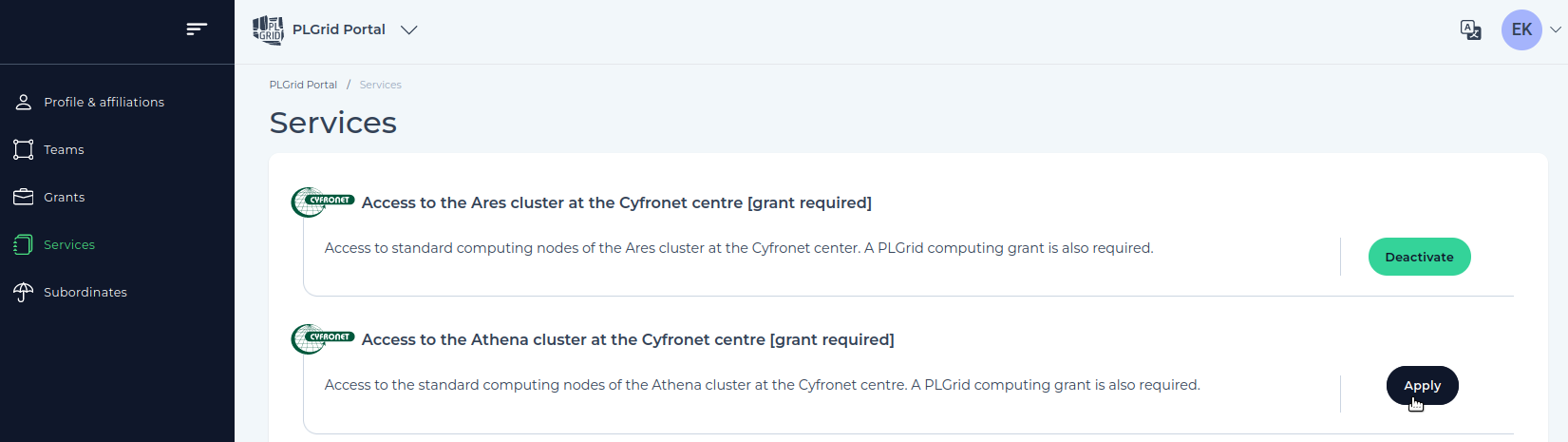
If the specific service is active in your account, the Status column shows Active. If you wish to discontinue a particular service, please use the Deactivate button.
In some cases, access to a particular service may require the activation of a so-called Root service.
Activation of some services requires verification by their Manager. While awaiting verification, such a service then has a status Need confirmation.
Last update: September 24, 2025