
Signing up
How to create account?
The first step to get access to resources is setting up an account in PLGrid infrastructure.
- Visit the Signing up page in the PLGrid Portal
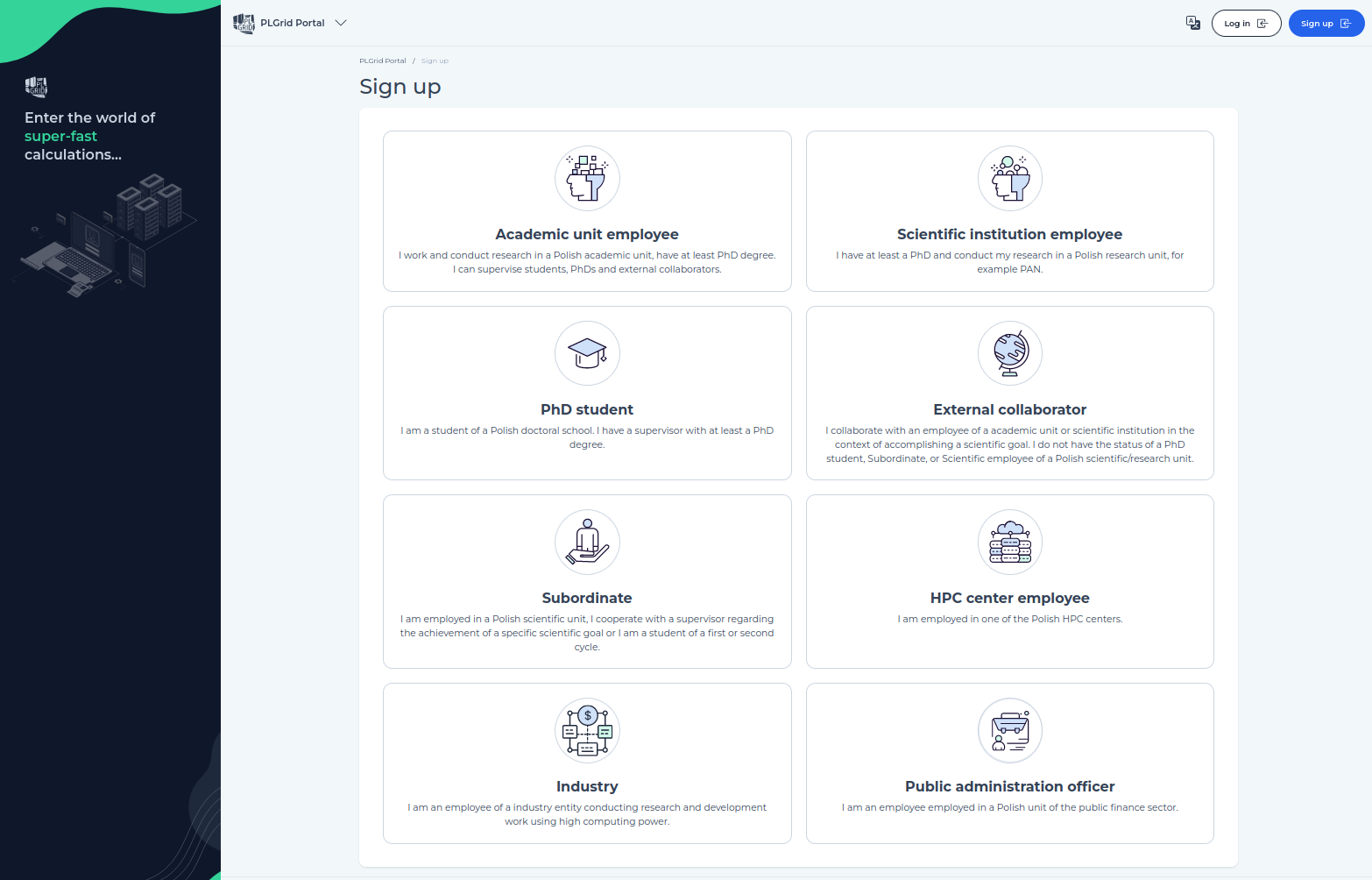
- Select the tile corresponding to your present affiliation
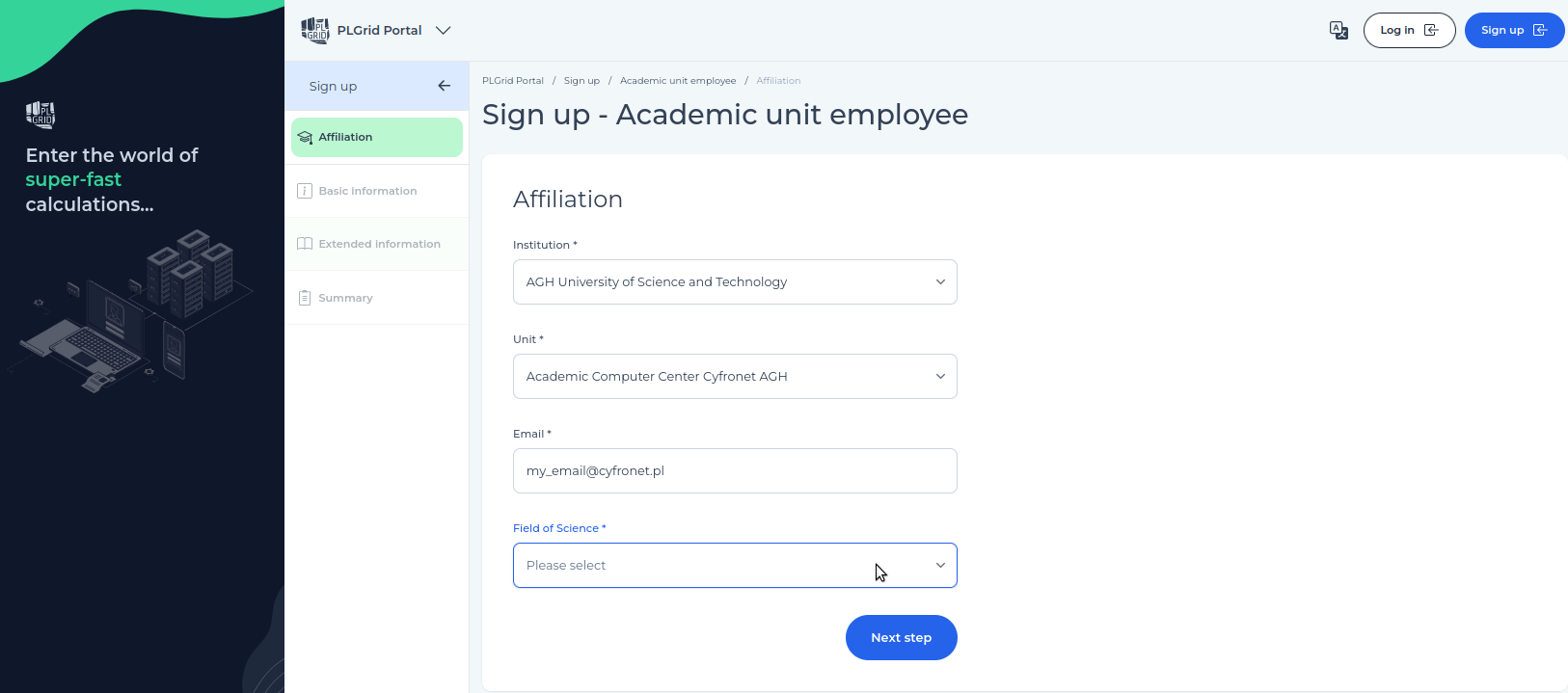
- Fill in and send the registration form
- Some fields in the form are mandatory - please enter your nationality and telephone number (this information will only be used to verify you in the future)
- It is recommended to complete the profile with extended information: academic degree and ORCID or ResearchID number
- Mark the required consents
Subordinate-type accounts
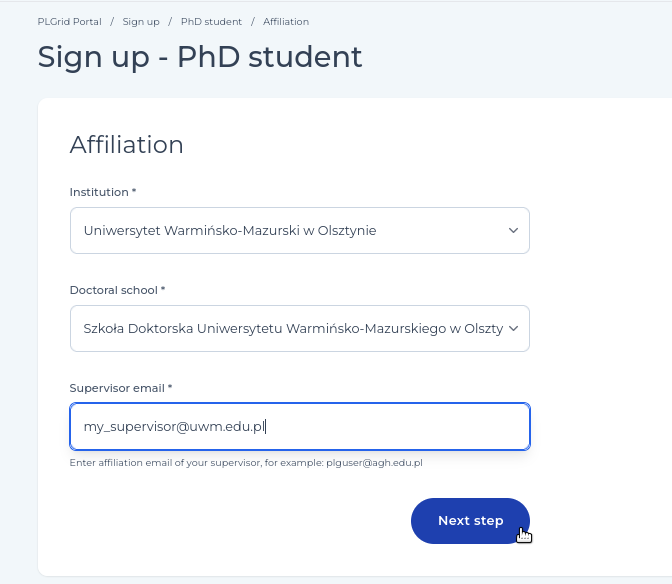
Some types of accounts in PLGrid are specifically defined for Subordinates (persons who do not hold a doctoral degree and/or are not employed in a Polish research unit, but conduct research in collaboration with Polish scientists). This includes students, PhD students, non-doctoral researchers and retired or external collaborators. In this case, select the appropriate tile. Then enter the official university e-mail address of your Scientific Supervisor in the PLGrid infrastructure in the form and click on Next step to complete your personal data.
Last update: September 29, 2025