
Renegotiation
Basic information
If there is a justified need, you can apply for additional computing resources within the same allocation, or add completely new type of resource to your grant.
For an existing grant you cannot:
- Extend its duration
- Cancel the existing grant
How to renegotiate a grant
Select the active grant for which you want to renegotiate resources.
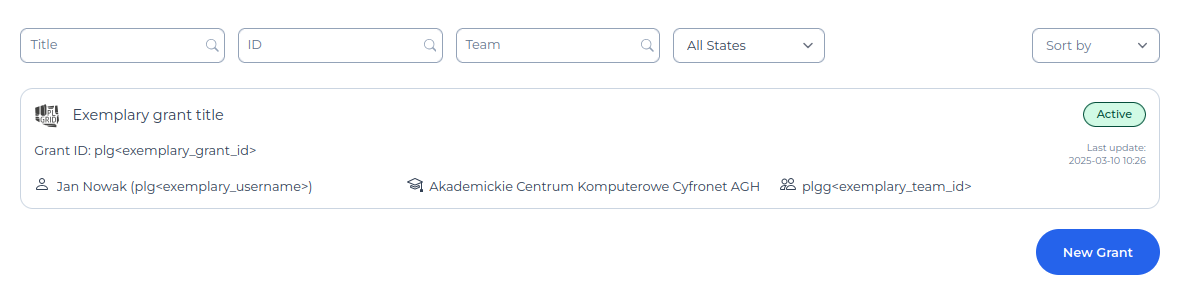
Use the Renegotiate resources button, which is located on the right side in the tab dedicated to resources.
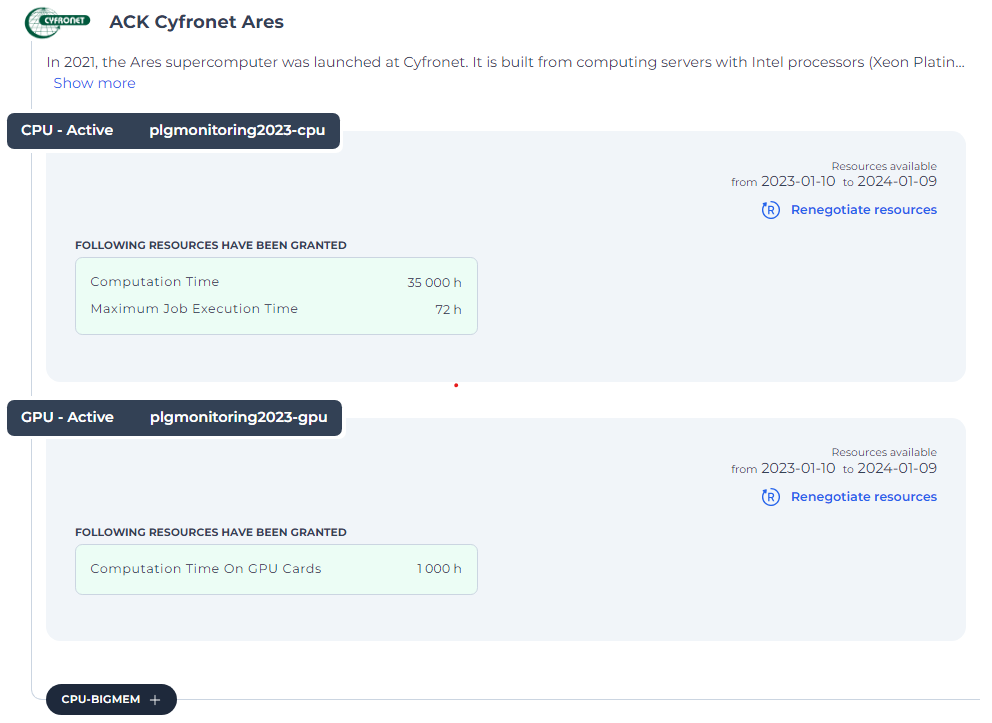
Enter a new value in the Proposition change field, complete the Justification field, and Send changes.
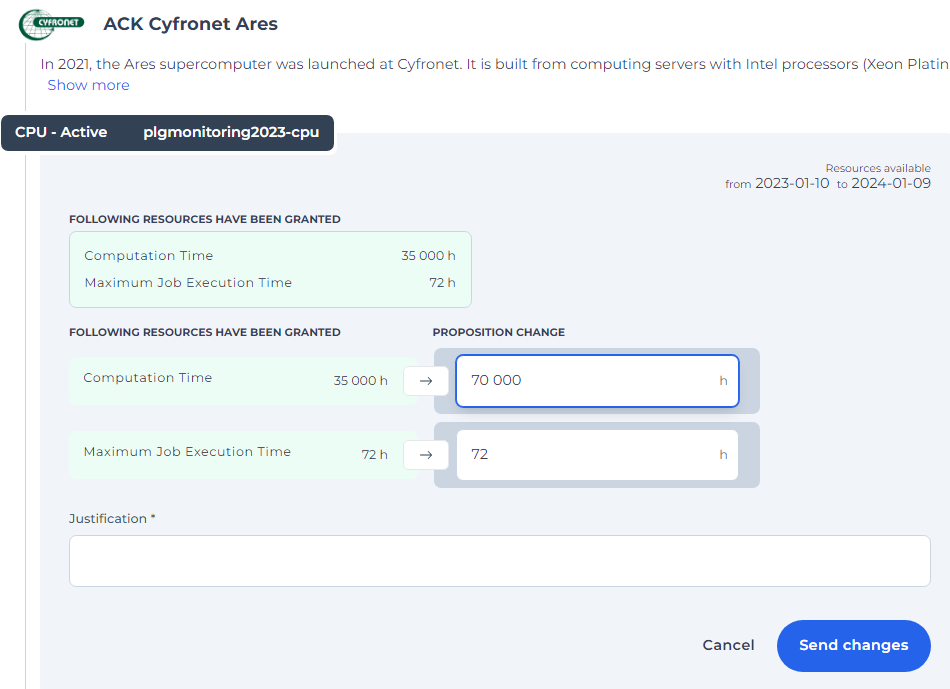
(Optional) Select a new allocation from the list of available resources. Specify its value and briefly justify it, then use the Request additional resource button.
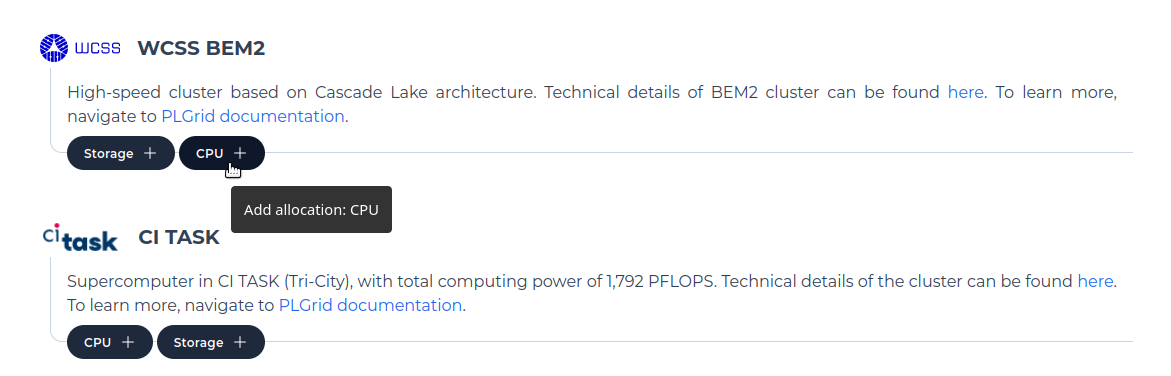
The application status will change after submitting the proposal.
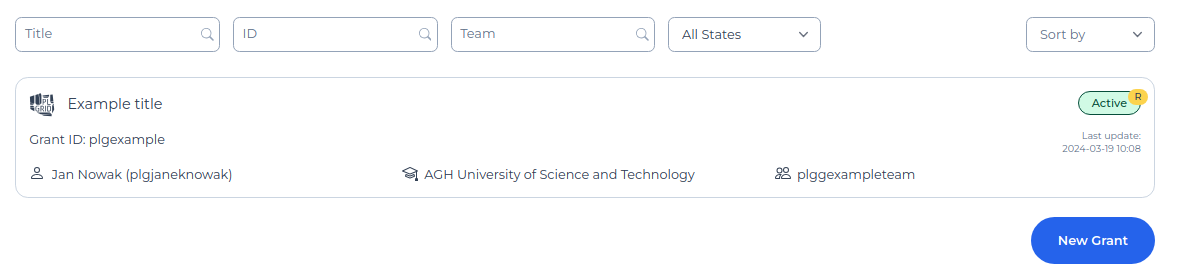
Once the proposal is accepted, you will be notified by email, and the application status will change to Active.
The processing time for a resource renegotiation application is up to 5 working days.
Last update: September 24, 2025